Welcome!
Share and discuss the best content and new marketing ideas, build your professional profile and become a better marketer together.
The goal of this site is create a relevant knowledge base that would answer questions related to Odoo.
Therefore questions and answers can be edited like wiki pages by experienced users of this site in order to improve the overall quality of the knowledge base content. Such privileges are granted based on user karma level: you will be able to do the same once your karma gets high enough.
If this approach is not for you, please respect the community.
| 5 | upvote, add comments |
| 30 | insert text link, upload files |
| 50 | downvote |
| 50 | delete own comment |
| 100 | flag offensive, close own questions |
| 300 | edit any post, view offensive flags |
| 500 | accept any answer |
| 500 | delete any comment |
| 500 | close any posts |
| 750 | your biography can be seen as tooltip |
| 1,000 | delete any question or answer |
1
Press on "Add to Cart" button, then press on "click to configure" to configure DDC points
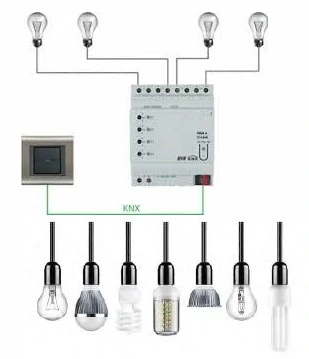
Press on "Add to Cart" button to select KNX devices
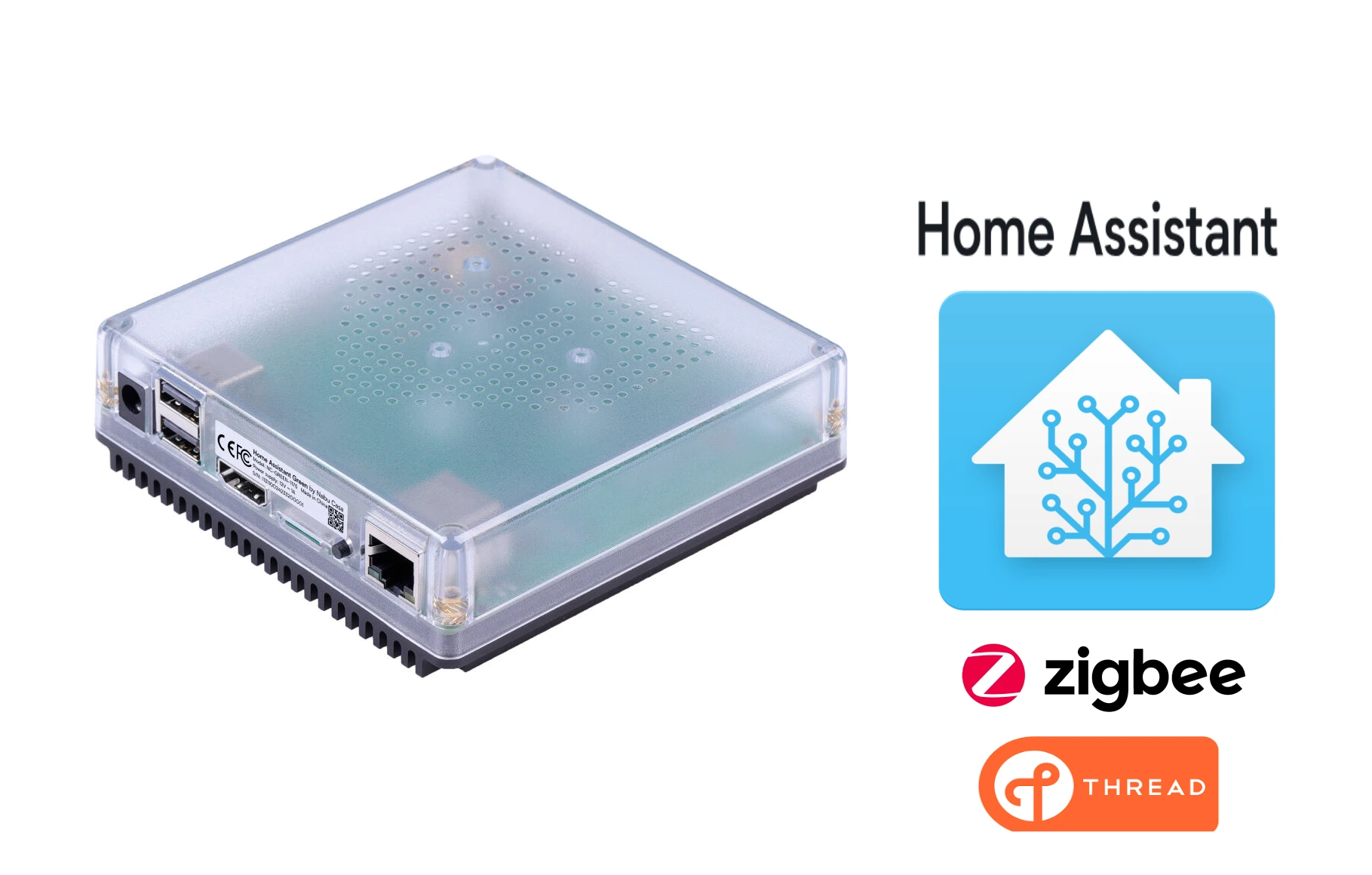
1 .أختيار محور التحكم
محور التحكم هو العقل المركزي لنظام البيت الذكي. يقوم بأدارة عمليات التشغيل
وربط الأجهزة ببعضها ويوفر واجهة للمستخدم. غالبا ما يكون محور تحكم واحد
كافيا لأدارة منزلك الذكي.

روتينات محلية لأجهزة المنزل لا يتعطل النظام عند انقطاع الأنترنت: نعم | روتينات محلية لأجهزة المنزل لا يتعطل النظام عند انقطاع الأنترنت: نعم |
المساعد الصوتي يعمل انقطاع الانترنت: لا | المساعد الصوتي يعمل انقطاع الانترنت: نعم,\ اشتراك سنوي |
تقنية الأتصال بالأجهزة: | تقنية الأتصال بالأجهزة: |



1
Press on "Add to Cart" button, then press on "click to configure" to configure DDC points

2
Press on "Add to Cart" button to select thermostat for the VAV
3
Press on "Add to Cart" button to select actuator for the VAV
1
Press on "Add to Cart" button, then press on "click to configure" to configure DDC points
2
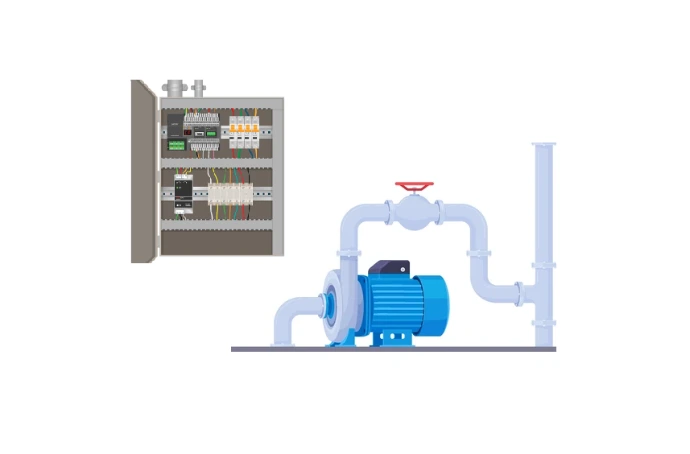
Press on "Add to Cart" button to select sensors for the primary pump
3
Press on "Add to Cart" button to select MCC
1
Press on "Add to Cart" button, then press on "click to configure" to configure DDC points
2
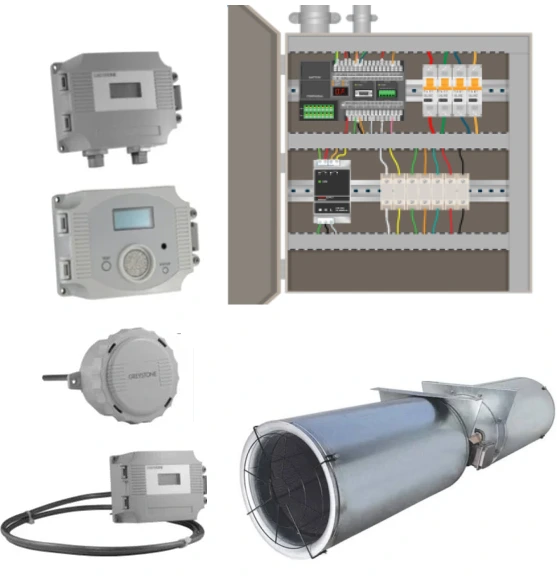
Press on "Add to Cart" button to select CO sensors
1
Press on "Add to Cart" button to configure DDC points
2
Press on "Add to Cart" button to configure DDC points
1
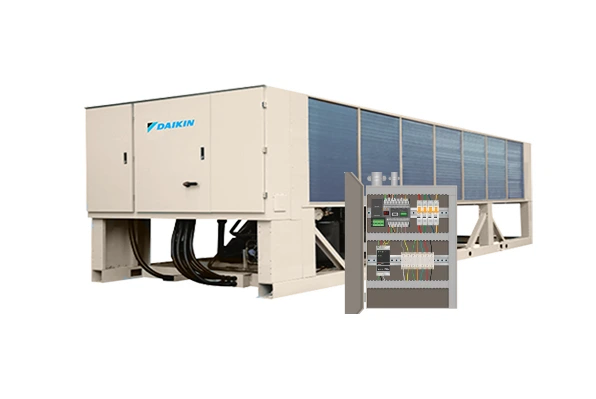
Press on "Add to Cart" button, then press on "click to configure" to configure DDC points
2
Press on "Add to Cart" button to select butterfly valve for the chiller
3
Press on "Add to Cart" button to select sensors for the chiller
1
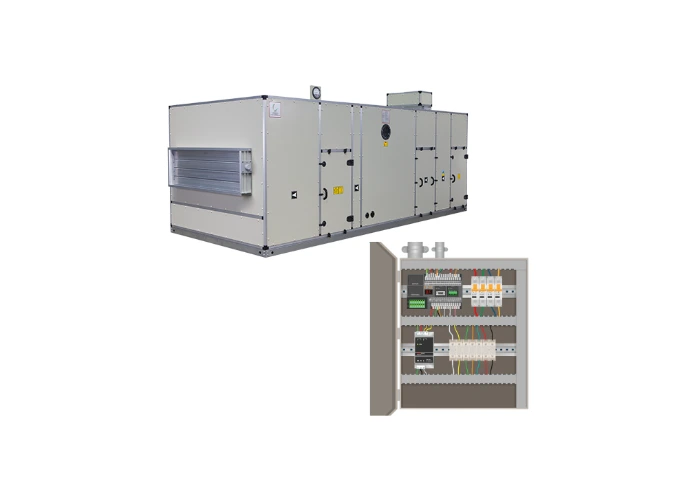
Press on "Add to Cart" button, then press on "click to configure" to configure DDC points
2
Press on "Add to Cart" button to select valve for the air handling unit
3
Press on "Add to Cart" button to select damper actuator for the air handling unit
4
Press on "Add to Cart" button to select sensors for the air handling unit
5
Press on "Add to Cart" button to select MCC for each fan
1
Press on "Add to Cart" button, then press on "click to configure" to configure DDC points

2
Press on "Add to Cart" button to select damper actuator for the air handling unit
3
Press on "Add to Cart" button to select sensors for the air handling unit
4
Press on "Add to Cart" button to select MCC for fan
1
Press on "Add to Cart" button, then press on "click to configure" to configure DDC points

2
Press on "Add to Cart" button to select thermostat for the fan coil unit
3
Press on "Add to Cart" button to select valve for the fan coil unit
1
Press on "Add to Cart" button, then press on "click to configure" to configure DDC points
2
Press on "Add to Cart" button to select damper actuator for the air handling unit
3
Press on "Add to Cart" button to select sensors for the air handling unit
1
Press on "Add to Cart" button to configure DDC points