What's great in the job?
- Great team of smart people, in a friendly and open culture
- No dumb managers, no stupid tools to use, no rigid working hours
- No waste of time in enterprise processes, real responsibilities and autonomy
- Expand your knowledge of various business industries
- Create content that will help our users on a daily basis
- Real responsibilities and challenges in a fast evolving company
Our Product

What We Offer
Each employee has a chance to see the impact of his work.
You can make a real contribution to the success of the company.
Several activities are often organized all over the year, such as weekly
sports sessions, team building events, monthly drink, and much more
Perks
A full-time position
Attractive salary package.
Trainings
12 days / year, including
6 of your choice.
Sport Activity
Play any sport with colleagues,
the bill is covered.
Eat & Drink
Fruit, coffee and
snacks provided.
1
Press on "Add to Cart" button, then press on "click to configure" to configure DDC points
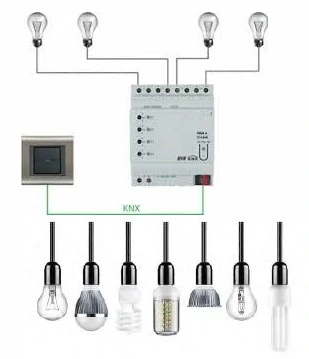
Press on "Add to Cart" button to select KNX devices
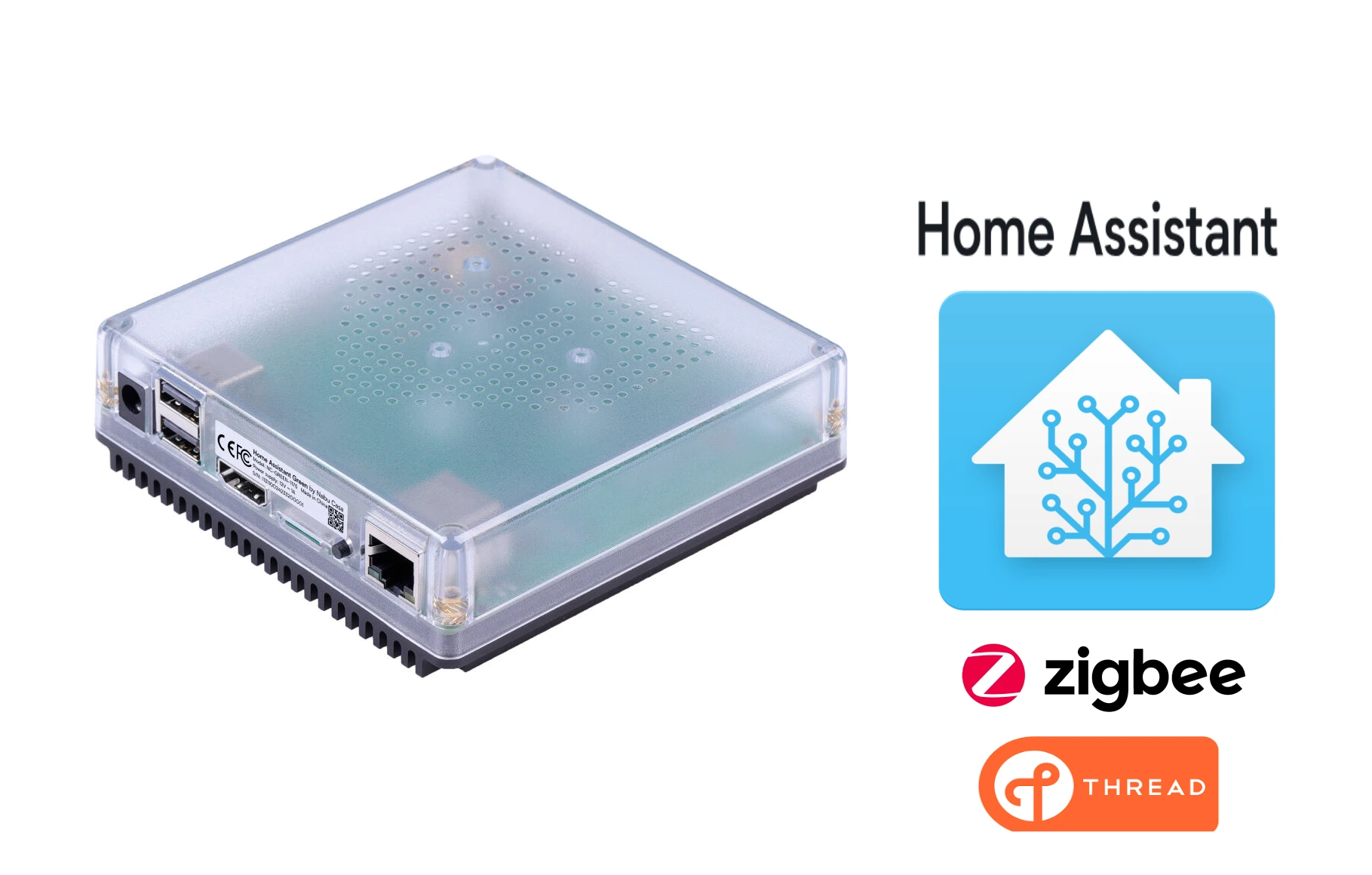
1 .أختيار محور التحكم
محور التحكم هو العقل المركزي لنظام البيت الذكي. يقوم بأدارة عمليات التشغيل
وربط الأجهزة ببعضها ويوفر واجهة للمستخدم. غالبا ما يكون محور تحكم واحد
كافيا لأدارة منزلك الذكي.

روتينات محلية لأجهزة المنزل لا يتعطل النظام عند انقطاع الأنترنت: نعم | روتينات محلية لأجهزة المنزل لا يتعطل النظام عند انقطاع الأنترنت: نعم |
المساعد الصوتي يعمل انقطاع الانترنت: لا | المساعد الصوتي يعمل انقطاع الانترنت: نعم,\ اشتراك سنوي |
تقنية الأتصال بالأجهزة: | تقنية الأتصال بالأجهزة: |



1
Press on "Add to Cart" button, then press on "click to configure" to configure DDC points

2
Press on "Add to Cart" button to select thermostat for the VAV
3
Press on "Add to Cart" button to select actuator for the VAV
1
Press on "Add to Cart" button, then press on "click to configure" to configure DDC points
2
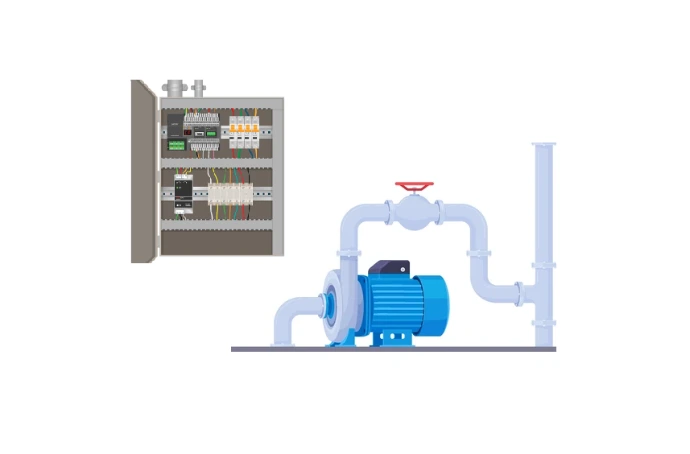
Press on "Add to Cart" button to select sensors for the primary pump
3
Press on "Add to Cart" button to select MCC
1
Press on "Add to Cart" button, then press on "click to configure" to configure DDC points
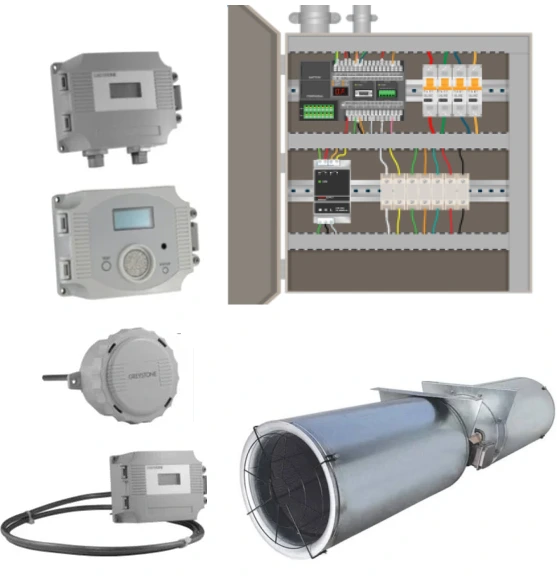
2
Press on "Add to Cart" button to select CO sensors
1
Press on "Add to Cart" button to configure DDC points
2
Press on "Add to Cart" button to configure DDC points
1
Press on "Add to Cart" button, then press on "click to configure" to configure DDC points
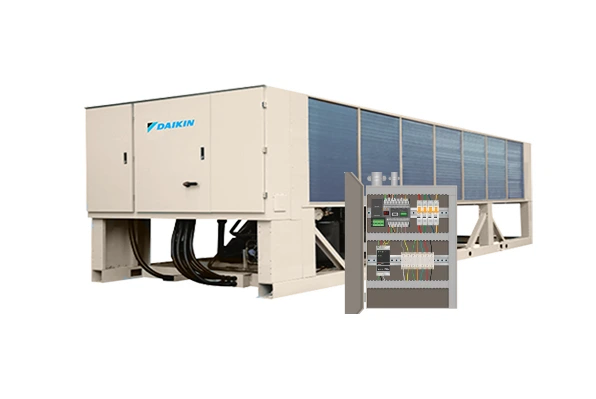
2
Press on "Add to Cart" button to select butterfly valve for the chiller
3
Press on "Add to Cart" button to select sensors for the chiller
1
Press on "Add to Cart" button, then press on "click to configure" to configure DDC points
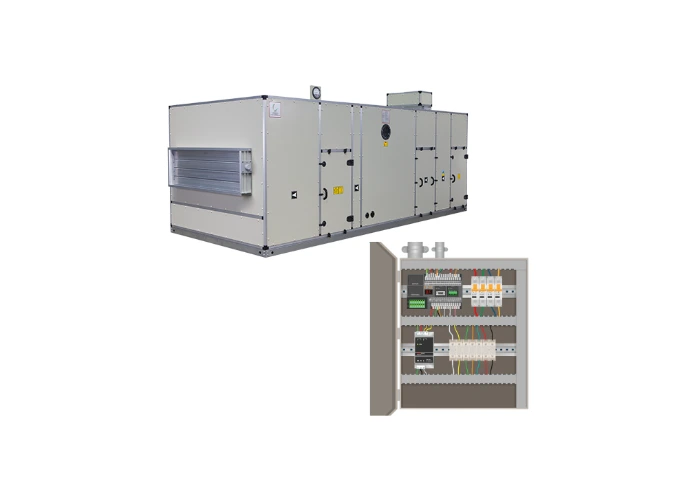
2
Press on "Add to Cart" button to select valve for the air handling unit
3
Press on "Add to Cart" button to select damper actuator for the air handling unit
4
Press on "Add to Cart" button to select sensors for the air handling unit
5
Press on "Add to Cart" button to select MCC for each fan
1
Press on "Add to Cart" button, then press on "click to configure" to configure DDC points

2
Press on "Add to Cart" button to select damper actuator for the air handling unit
3
Press on "Add to Cart" button to select sensors for the air handling unit
4
Press on "Add to Cart" button to select MCC for fan
1
Press on "Add to Cart" button, then press on "click to configure" to configure DDC points

2
Press on "Add to Cart" button to select thermostat for the fan coil unit
3
Press on "Add to Cart" button to select valve for the fan coil unit
1
Press on "Add to Cart" button, then press on "click to configure" to configure DDC points
2
Press on "Add to Cart" button to select damper actuator for the air handling unit
3
Press on "Add to Cart" button to select sensors for the air handling unit
1
Press on "Add to Cart" button to configure DDC points